 LalabbTools
LALABB TOOLS
Free tools for files, print, and book making—all in one place
Open PDFOpen a tool and get to work in your browser. Free to use, with no account required.
Related tools and steps
No matching task. Try another word.
Quick file tools
Quick file tools · 10
Show more tools · 6
Create by purpose
Start with a file and build your book or artwork step by step.
Capture a full web page
Coming soonMake floral elements
Coming soonMake stationery
Coming soonPrepare a poster for print
Coming soonMake a book from my art
Image editing · Capture
Open image editorWeb: choose an image, crop and save PNG. Full-page capture extension is not released yet.
Create your work
Start with a file and build your book or artwork step by step.
Capture & scan→Clean up & edit→Book Studio→Book Doctor
- 01
Capture & scan
Unreleased preview - 02
Clean up & edit
Unreleased preview Book Studio
Live · KO/ENArrange your files into a book or artwork.
Book Doctor
Live · KO/ENReview issues and warnings before printing.
Prepare for sale
Purchasing and POD connections are not available yet.
Inside the tools
Featured tool previews
Real Lalabb screens and short, practical steps make it easier to choose the right workflow.
Print
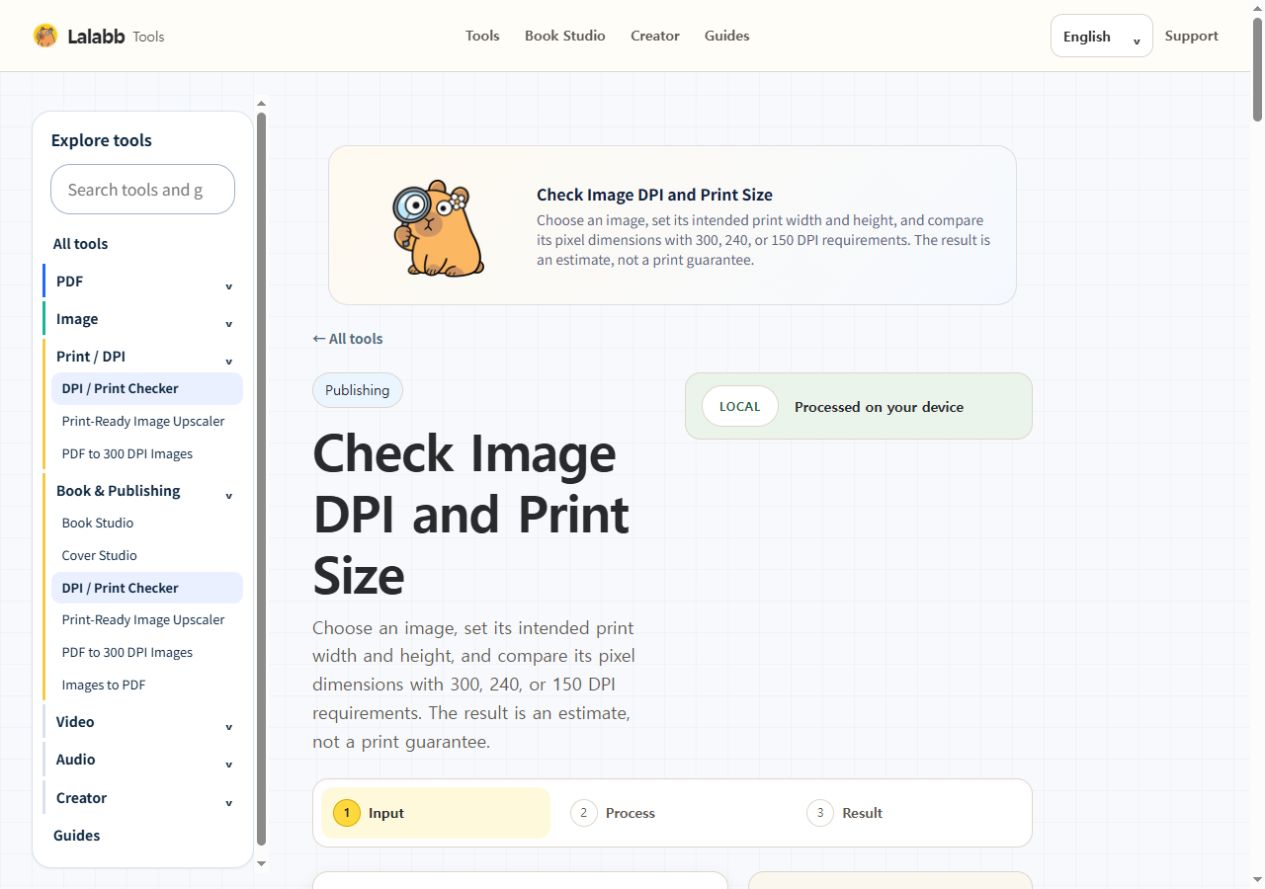
DPI / Print Checker
Check whether an image has enough pixels for print.
- Check actual DPI
- See print size
- Catch low-resolution images
- Files stay on your device

PDF
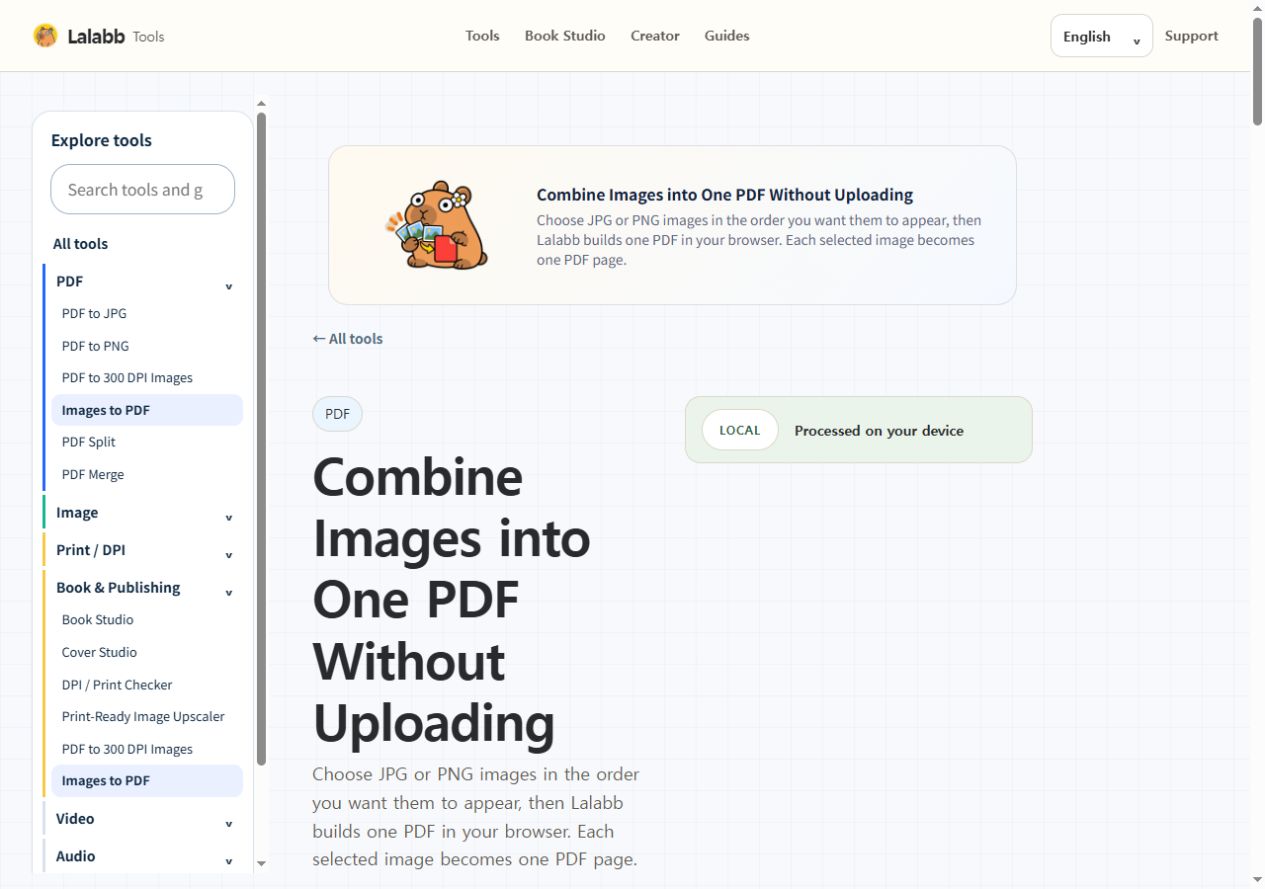
Images to PDF
Combine JPG or PNG images into one PDF.
- Reorder image pages
- Create the PDF locally
- Keep the chosen order
- Files stay on your device

Print
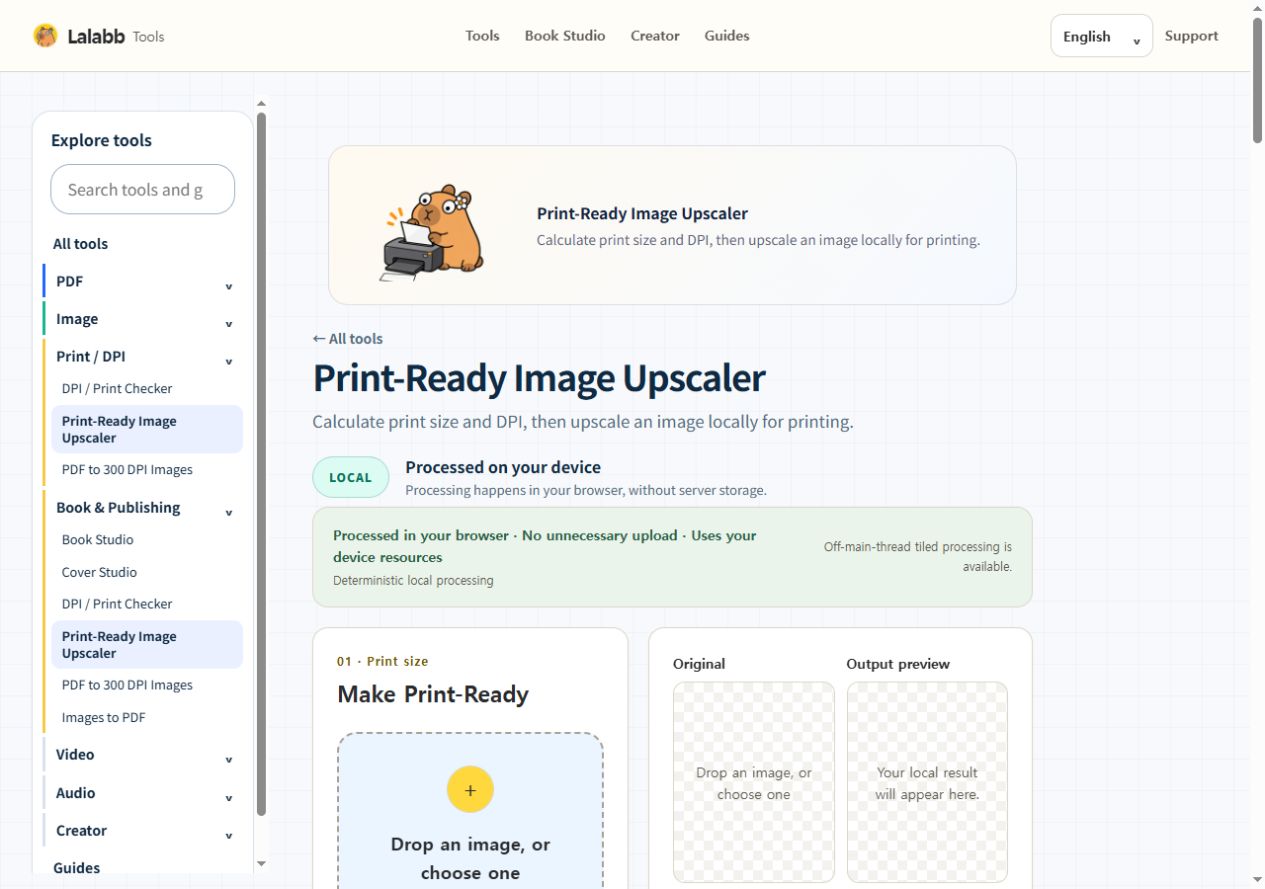
Print-Ready Image Upscaler
Calculate print size and DPI, then upscale an image locally for printing.
- Choose paper size and DPI
- Prepare pixels for print
- Compare original and output
- Files stay on your device

Book making
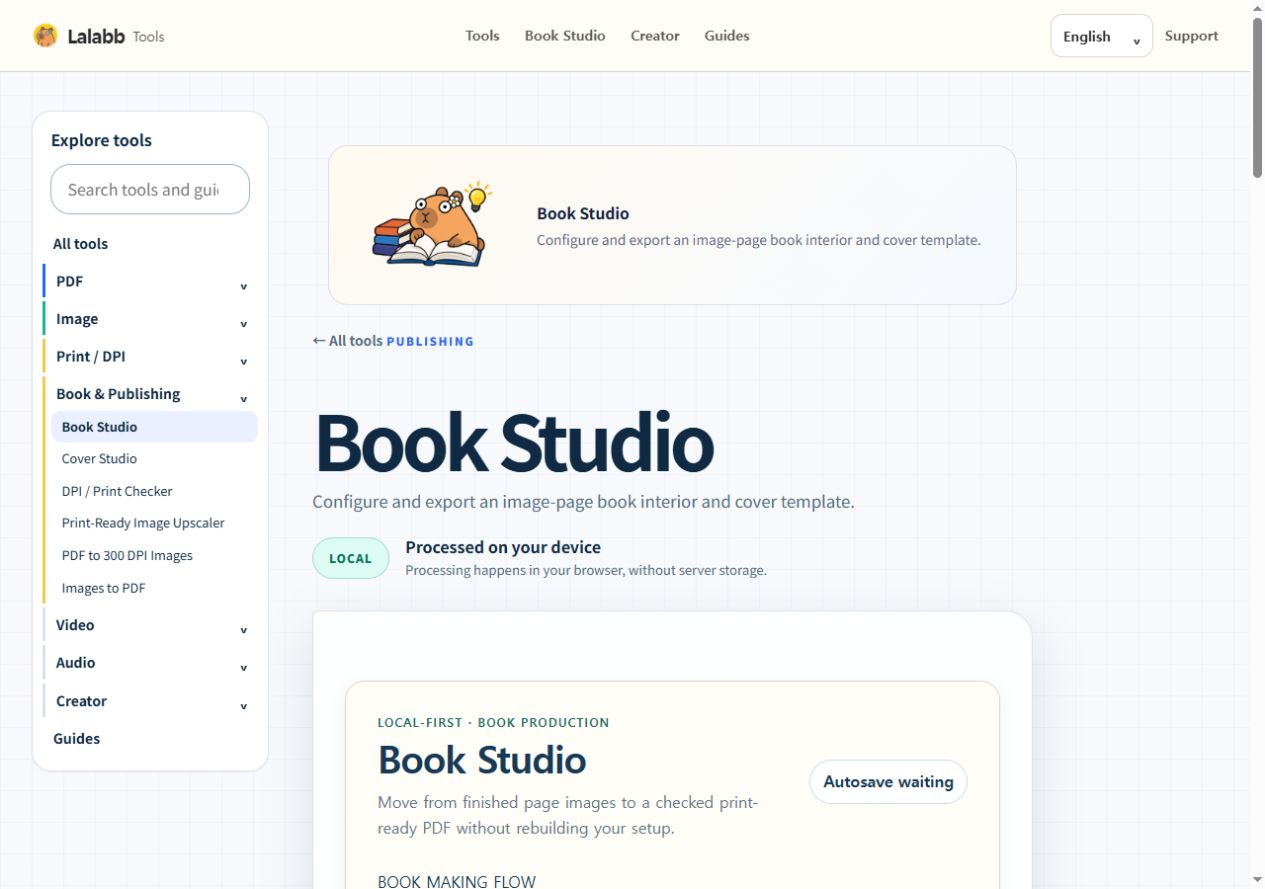
Book Studio
Configure and export an image-page book interior and cover template.
- Create a project
- Set trim size and target DPI
- Prepare pages and export PDF
- Files stay on your device
Show more previews · 4

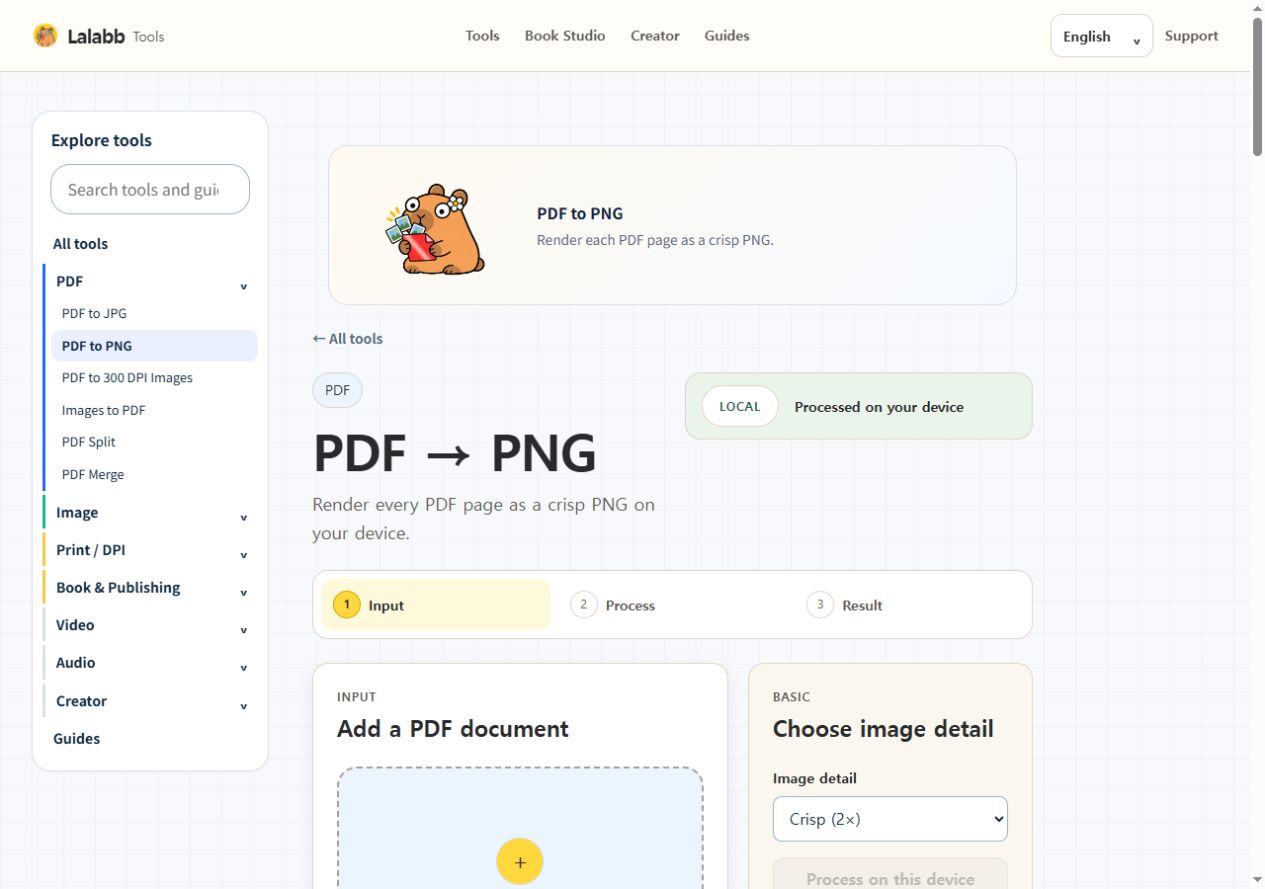
PDF
PDF to PNG
Render each PDF page as a crisp PNG.
- Render every PDF page
- Choose crisp image detail
- Export PNG files locally
- Files stay on your device

Image
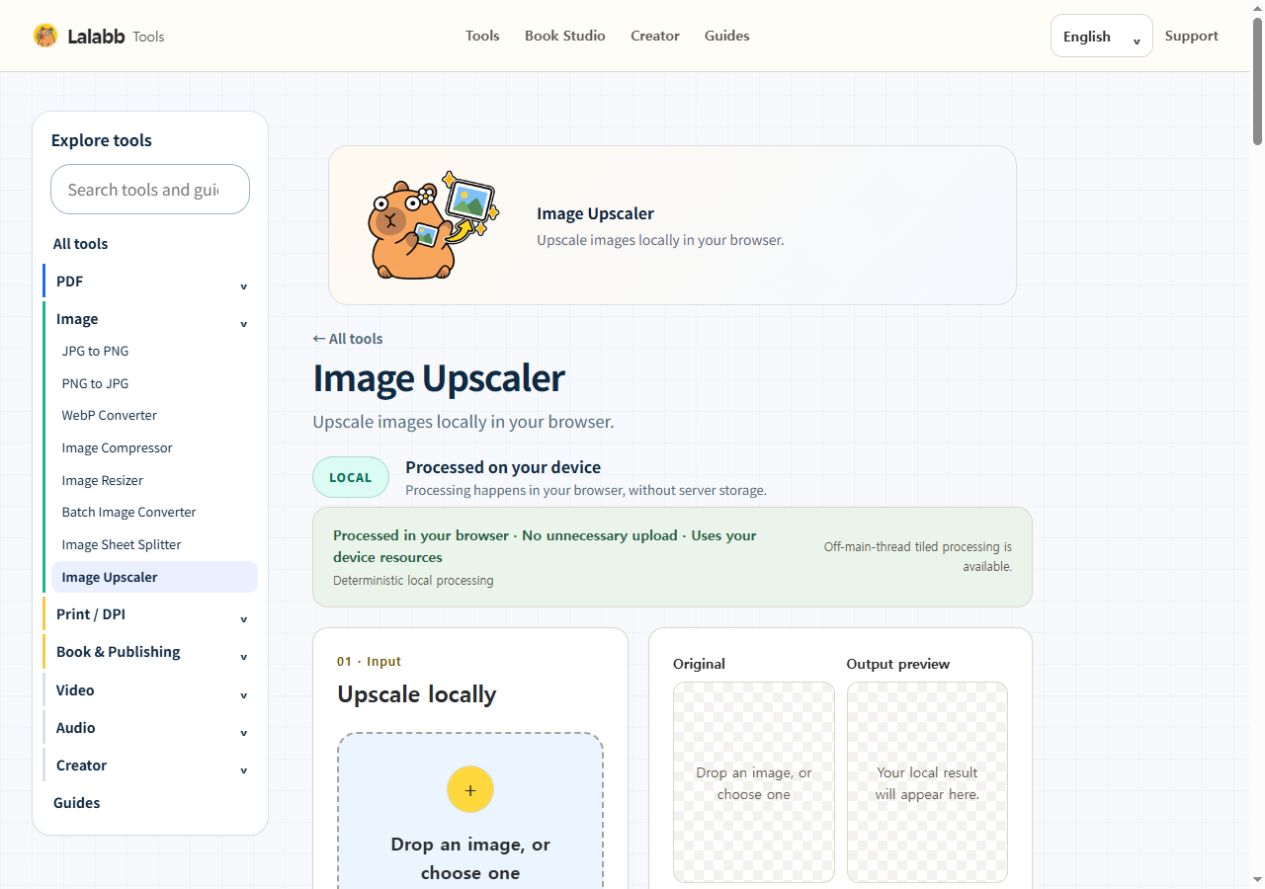
Image Upscaler
Upscale images locally in your browser.
- Create a larger output
- Compare original and output
- Continue into a print workflow
- Files stay on your device

Video, audio & QR
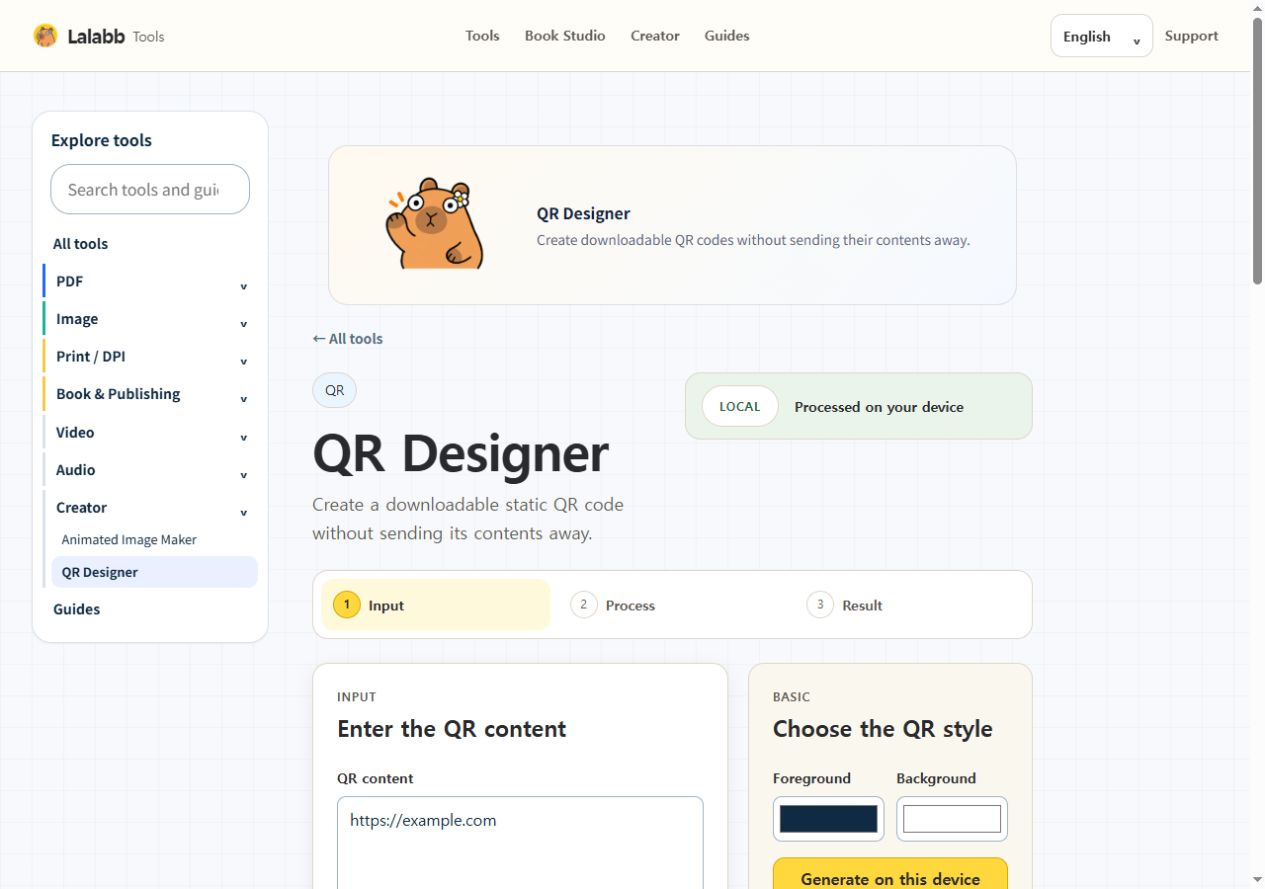
QR Designer
Create downloadable QR codes without sending their contents away.
- Enter text or a URL
- Choose QR colors and style
- Download the result locally
- Files stay on your device
Image
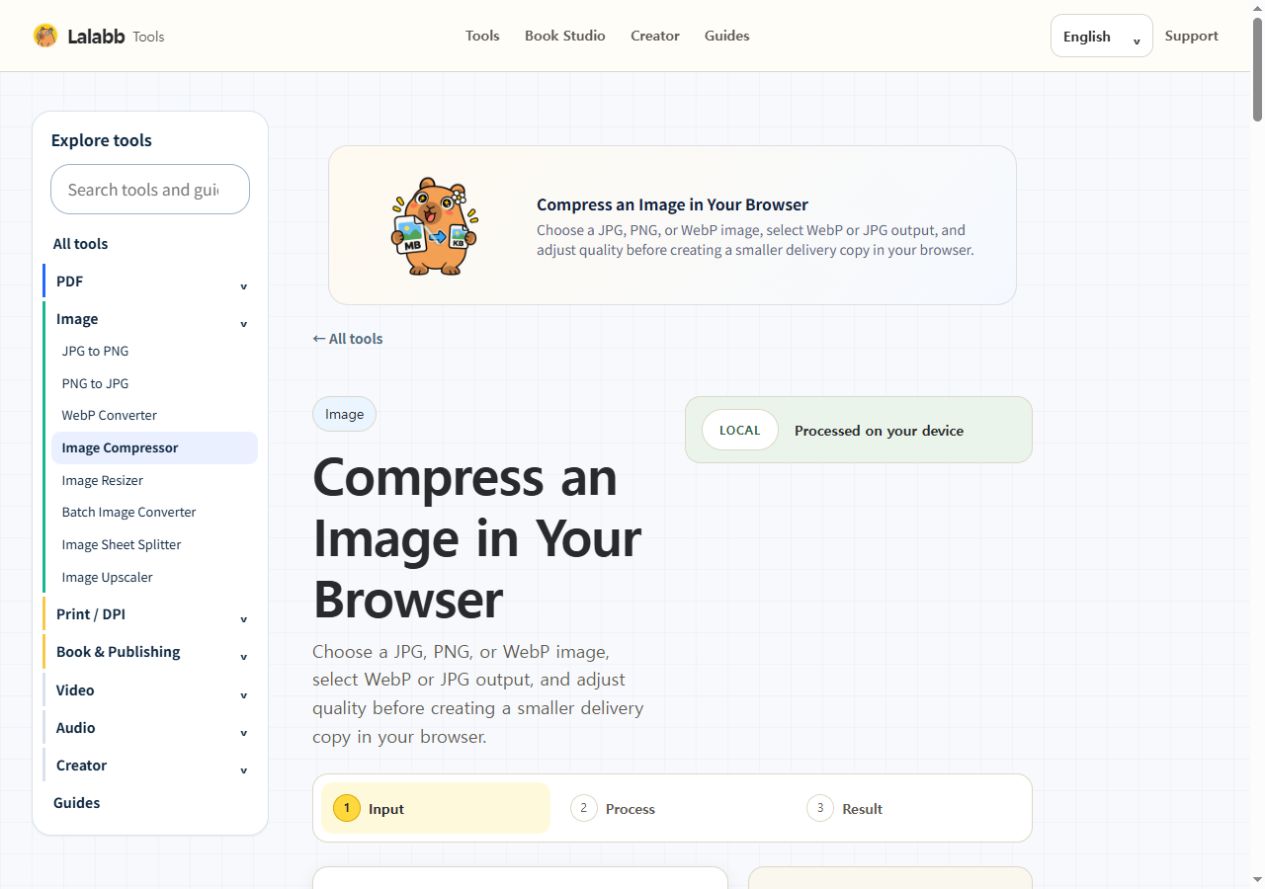
Image Compressor
Reduce image size without uploading.
- Reduce delivery file size
- Control output quality
- Choose WebP or JPG
- Files stay on your device
Find your workflow
All tools
28 tools in one place
 01
01PDF to JPG
Turn PDF pages into JPG images.
Open 02
02PDF to PNG
Render each PDF page as a crisp PNG.
Open 03
03PDF to 300 DPI Images
Prepare print-resolution page images.
Open 04
04Images to PDF
Combine JPG or PNG images into one PDF.
Open 05
05PDF Split
Extract selected pages into a separate PDF.
Open 06
06PDF Merge
Combine PDFs in your chosen order.
Open 07
07JPG to PNG
Convert JPG to lossless PNG locally.
Open 08
08PNG to JPG
Create compact JPG files from PNG.
Open 09
09WebP Converter
Convert images to or from WebP.
Open10Image Compressor
Reduce image size without uploading.
Open 11
11Image Resizer
Resize images for web or print.
Open 12
12Image Upscaler
Upscale images locally in your browser.
Open 13
13Batch Image Converter
Convert many images in safe batches.
Open 14
14ZIP Image Processor
Inspect and process images inside ZIP files.
Open 15
15DPI / Print Checker
Check whether an image has enough pixels for print.
Open 16
16Print-Ready Image Upscaler
Calculate print size and DPI, then upscale an image locally for printing.
Open17Book Studio
Configure and export an image-page book interior and cover template.
Open 18
18Animated Image Maker
Build an animation from image frames.
Open 19
19Video to GIF
Turn a short video segment into a GIF.
Open 20
20Video Compressor / Resizer
Resize supported videos on your device.
Open 21
21Extract Audio from Video
Save the audio track from a video.
Open 22
22Audio Converter / Trimmer
Convert or trim supported audio.
Open 23
23QR Designer
Create downloadable QR codes without sending their contents away.
Open 24
24Image Sheet Splitter
Split a grid sheet of illustrations into separate PNG images.
Open 25
25Batch File Rename
Create renamed file copies in one ZIP without changing the originals.
Open 26
26Cover Studio
Arrange front and back artwork around the spine and export one cover PDF.
Open27PDF · Organize pages
Choose pages, put them in order and extract the words. Your files stay in this browser.
Open 28
28Open PDF
PPTX files open here too.
OpenNo matching tools. Try another search or view all tools.
Find your workflow
Browse by category
Find the tools that fit the task you have in mind.
PDFConvert, split, and merge8 tools Explore tools →ImageConvert, resize, and compress9 tools Explore tools →Video, audio & QRQR, animation, and video7 tools Explore tools →PrintCheck DPI and prepare print files4 tools Explore tools →Book StudioPrepare book interiors and coversBook making Open tool →Artwork collections
The combined artwork collection is coming soon.